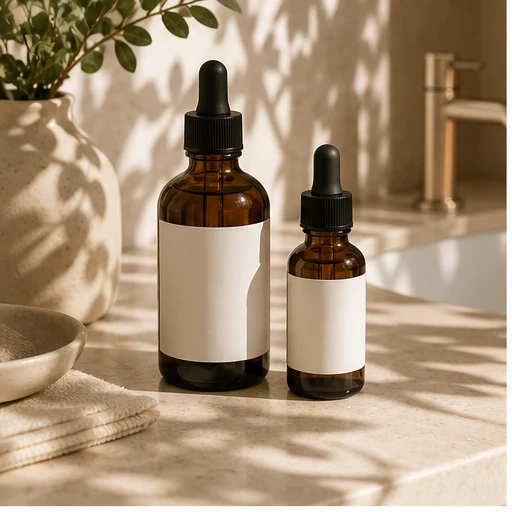
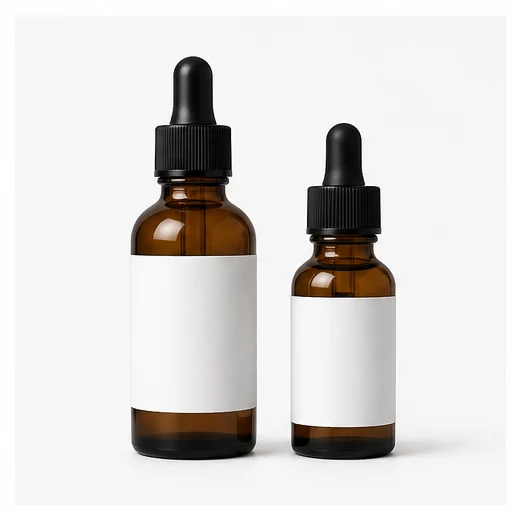
 Original product input photo.
 Launch
 Pixo by
Use Pixo to create lifestyle images from existing product photos. Review every result, then publish only approved images to Shopify galleries—no product export needed.
Original product input photo. 
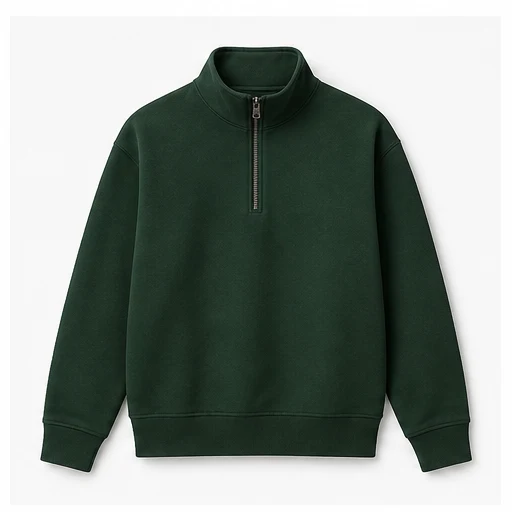 Original product input photo.
 Original product input photo.
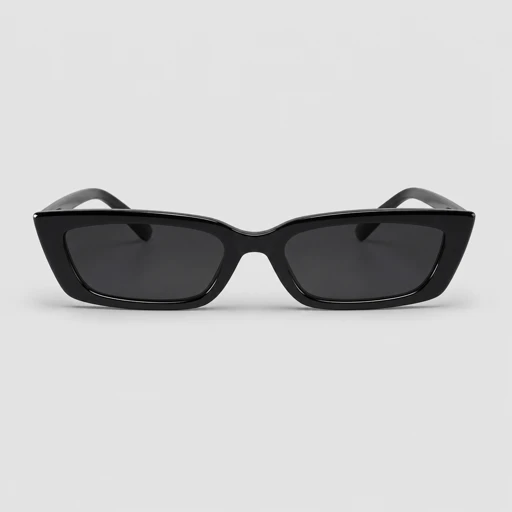 Original product input photo.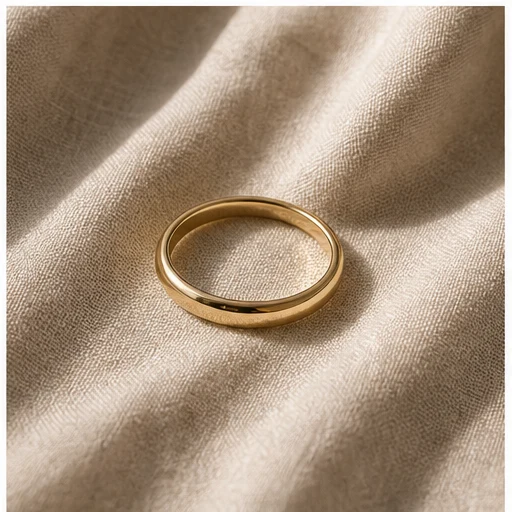
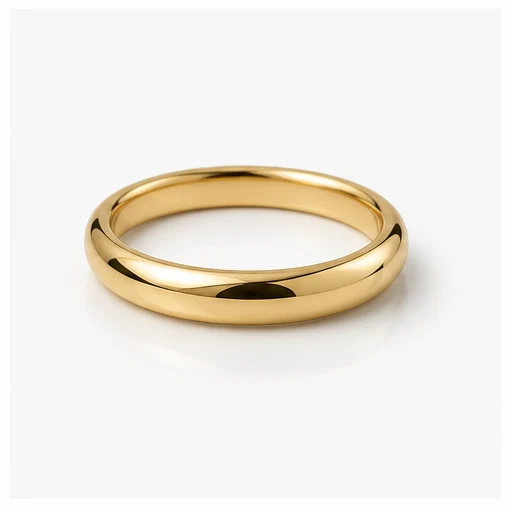 Original product input photo.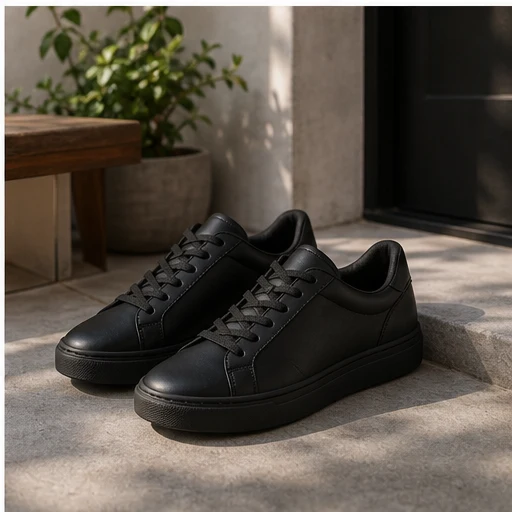
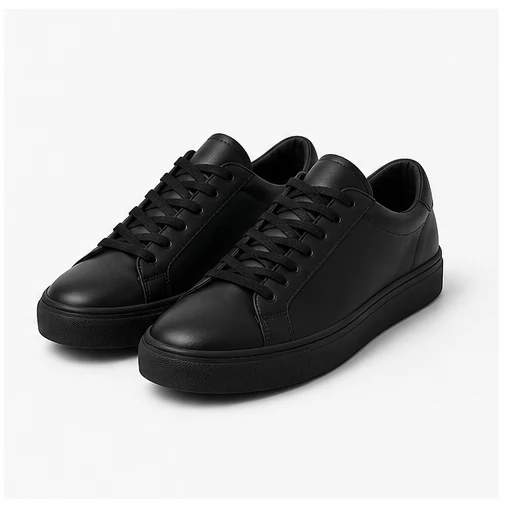 Original product input photo.
 Good photos convert. Traditional reshoots make it too expensive and slow to keep every SKU fresh.
Professional lifestyle photography gets expensive before every SKU gets a useful scene.
By the time photos arrive, the launch window or campaign has moved on.
Without fresh options to test, the same gallery keeps doing the selling.
You know fresh photos convert better. You just can’t reshoot every SKU. So the gallery stays stale—and conversion pays for it.
Choose an app by workflow
Start with Pixo for product photos, BlockCart for checkout guardrails, or ShipWith for shipping choices.
Pixo AI product photos: Generate lifestyle product photos in bulk, review the results, and publish approved images to product galleries.
View Pixo  BlockCart Checkout validation: Stop bad cart combinations, quantity issues, and restricted checkout scenarios before payment.
View BlockCart
BlockCart Checkout validation: Stop bad cart combinations, quantity issues, and restricted checkout scenarios before payment.
View BlockCart  ShipWith Shipping rules: Hide irrelevant rates, rename options, and sort delivery methods so shoppers see the right choices.
View ShipWith
ShipWith Shipping rules: Hide irrelevant rates, rename options, and sort delivery methods so shoppers see the right choices.
View ShipWith Start with Pixo for product photos, or choose the checkout and shipping app that fits the workflow.
AI product photos
Generate AI lifestyle photos from existing product images. Reuse Flow Builder prompts and reference images, review results, then publish approved images to product galleries.
Choose products or collections that need fresher gallery images.
Reuse prompts and reference images in a repeatable Flow Builder setup.
Compare generations before anything changes on the storefront.
Send approved images back to Shopify product galleries.
Affiliate program
Bring customers to Pixo and receive 25% of the revenue they generate. Payouts run weekly, and you can cash out once your balance reaches $50.
recurring revenue from each referred customer
Best-fit referrals
Pixo Shopify merchants who need fresh product photos, campaign scenes, or approved gallery updates without leaving Shopify.Try Pixo for product-gallery images. If the problem is checkout or shipping, send us the workflow and we’ll point you to the right app.